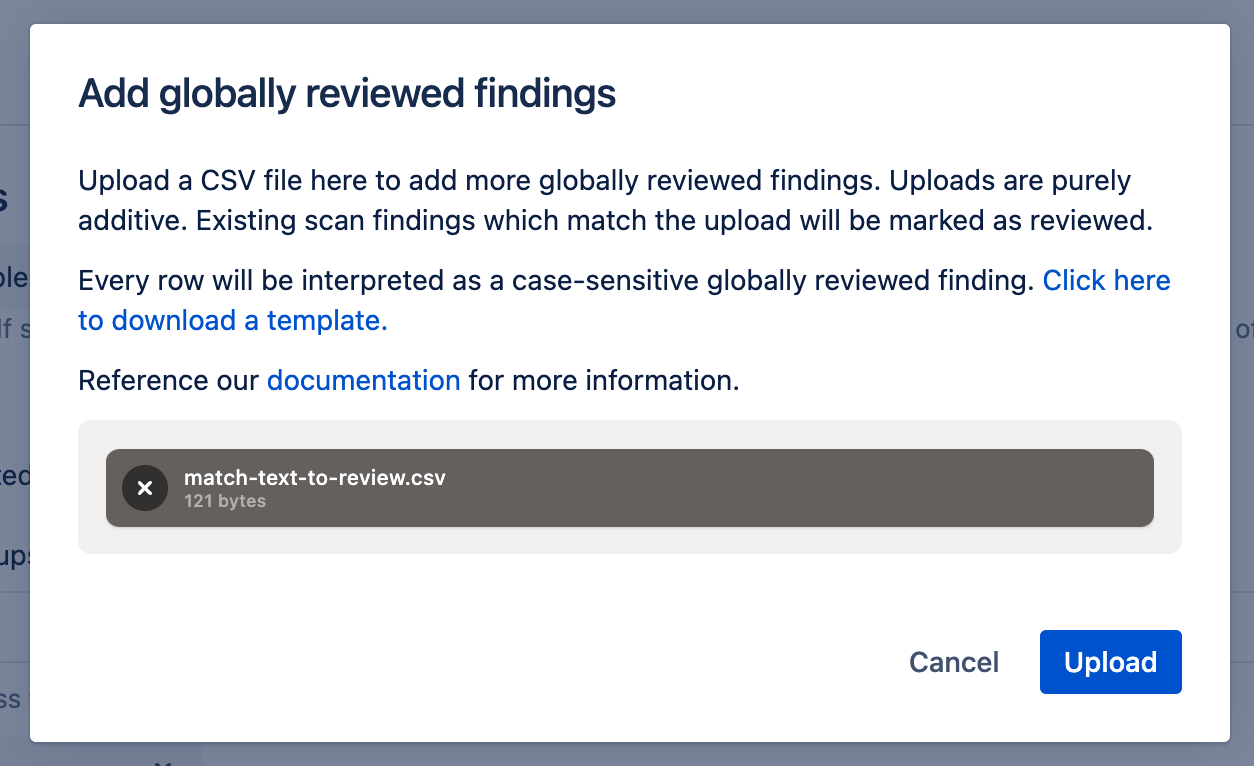

Security for Bitbucket exports can be used to globally review findings, using the following steps.
-
Generate an export that contains the findings that you want to review.
-
Locate the “Match text” column, and copy it to another spreadsheet:

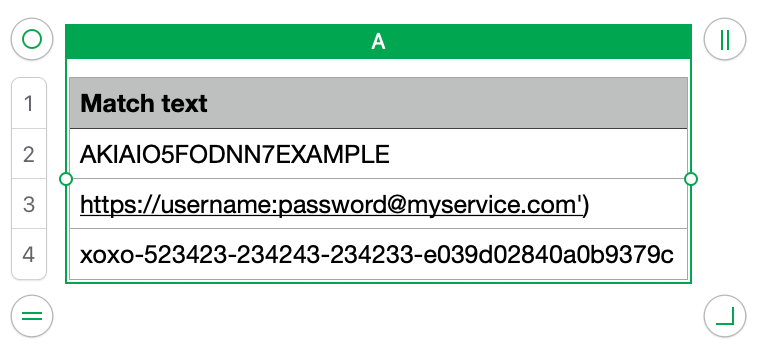
If the “Include full finding text in exported reports” setting is disabled, then the “Match text” column won’t be present.
-
Edit the spreadsheet. Delete any rows which are legitimate scan findings, leaving only things you want to mark as false positives, revoked credentials, etc.
-
Export the spreadsheet as a CSV.
-
Upload it on the settings page using the “Add reviewed” button under the “Globally Review Findings” heading.