
The Security for Jira Settings page allows you to adjust a variety of important administration settings.
Only Jira administrators can access these settings.
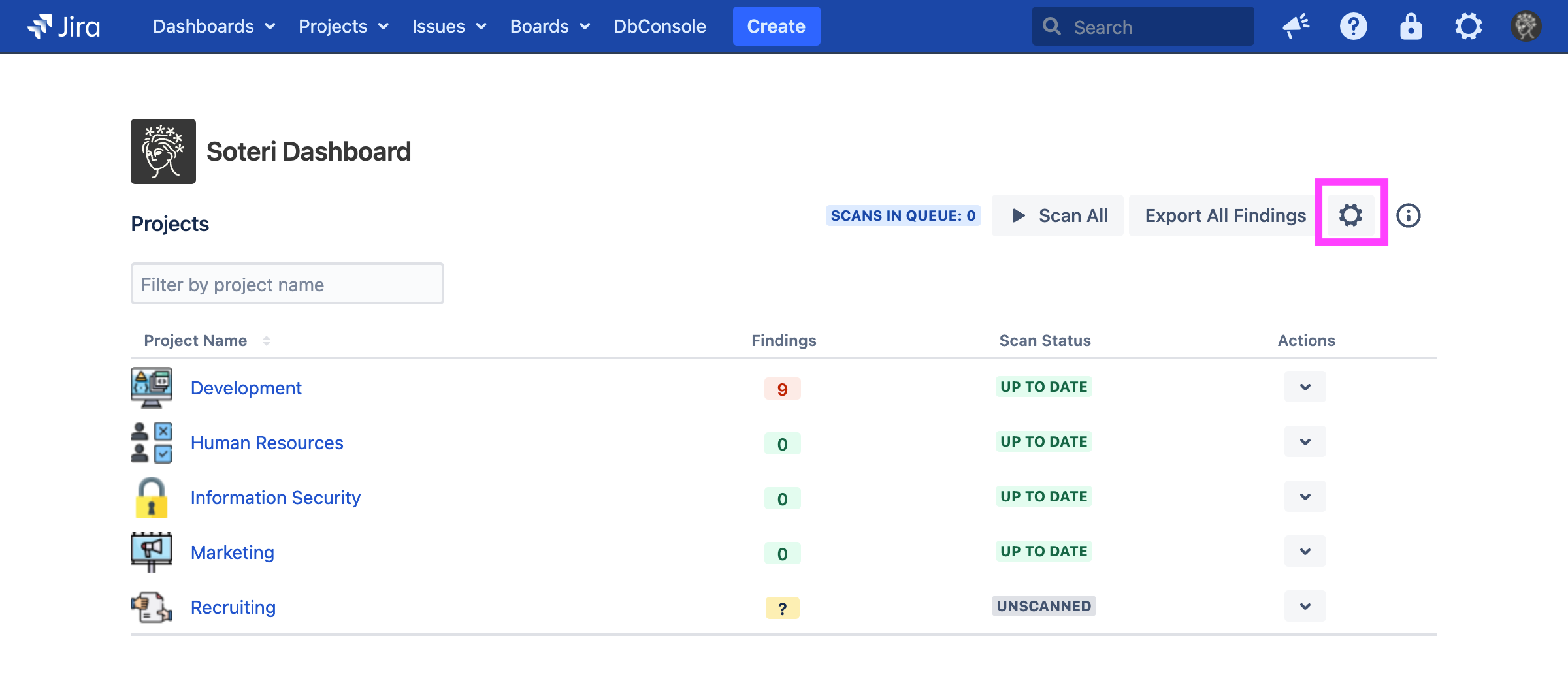
The easiest way to access the Settings page is directly from the Soteri Dashboard Page, by clicking the gear icon:
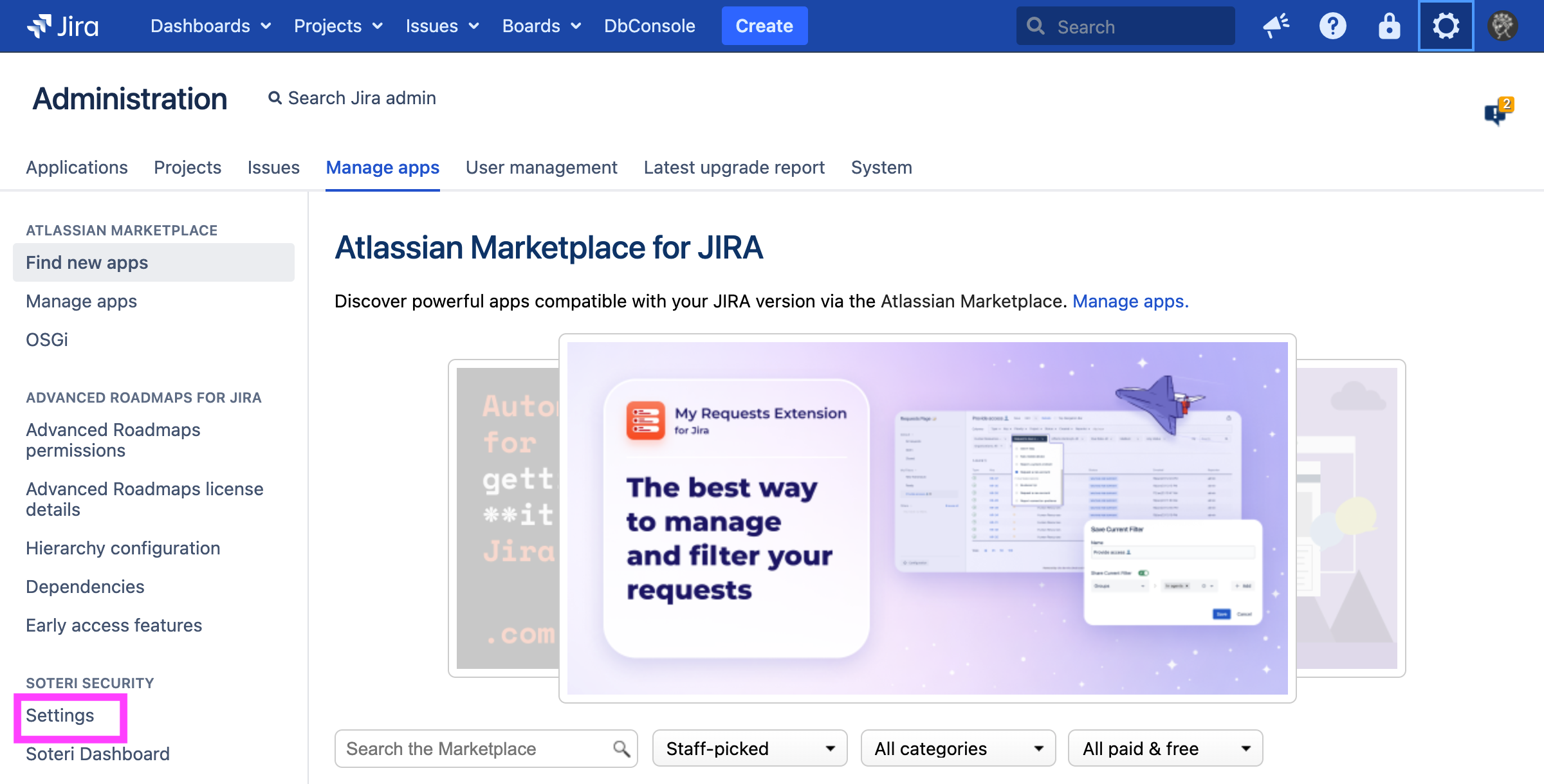
Administrators may also access the Security for Jira settings by first going to the Jira app manager:
.png?cb=981b32a4e27094d43d2f0439d3db8254)
and then selecting “Settings” under “Soteri Security” in the left side of the window: