

Security for Jira allows users to export CSV files containing findings in the projects for which they have administration privileges. This can be done when viewing a project’s Security Analysis by clicking the Export Project dropdown at the top:
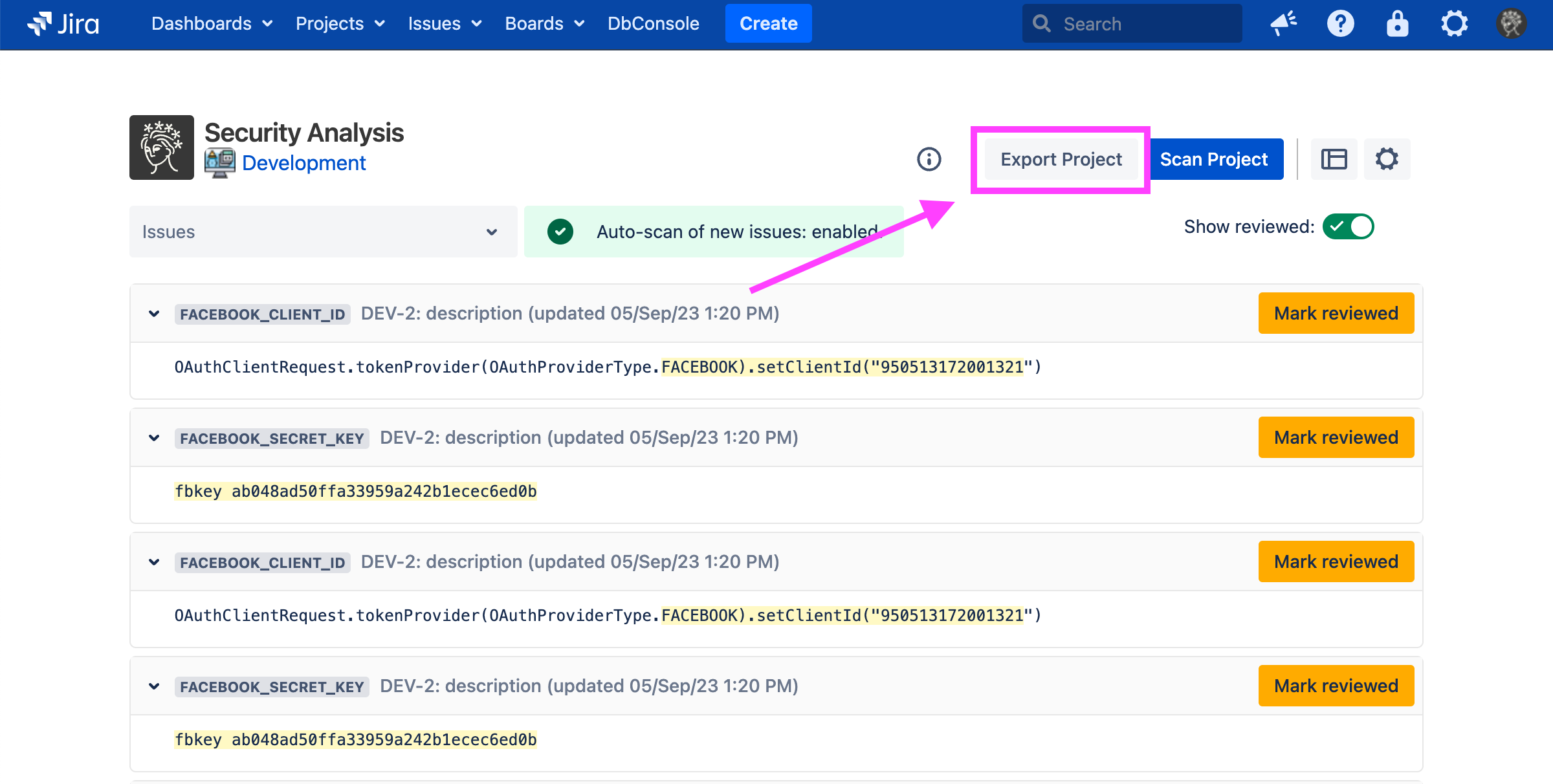
This exports all findings into a CSV file.
You can also export findings for a particular project, or for all projects you can administer, using the REST API.