

Developers (anyone with repository write access) can scan their repositories for vulnerabilities, including any custom vulnerabilities defined in the global rules.
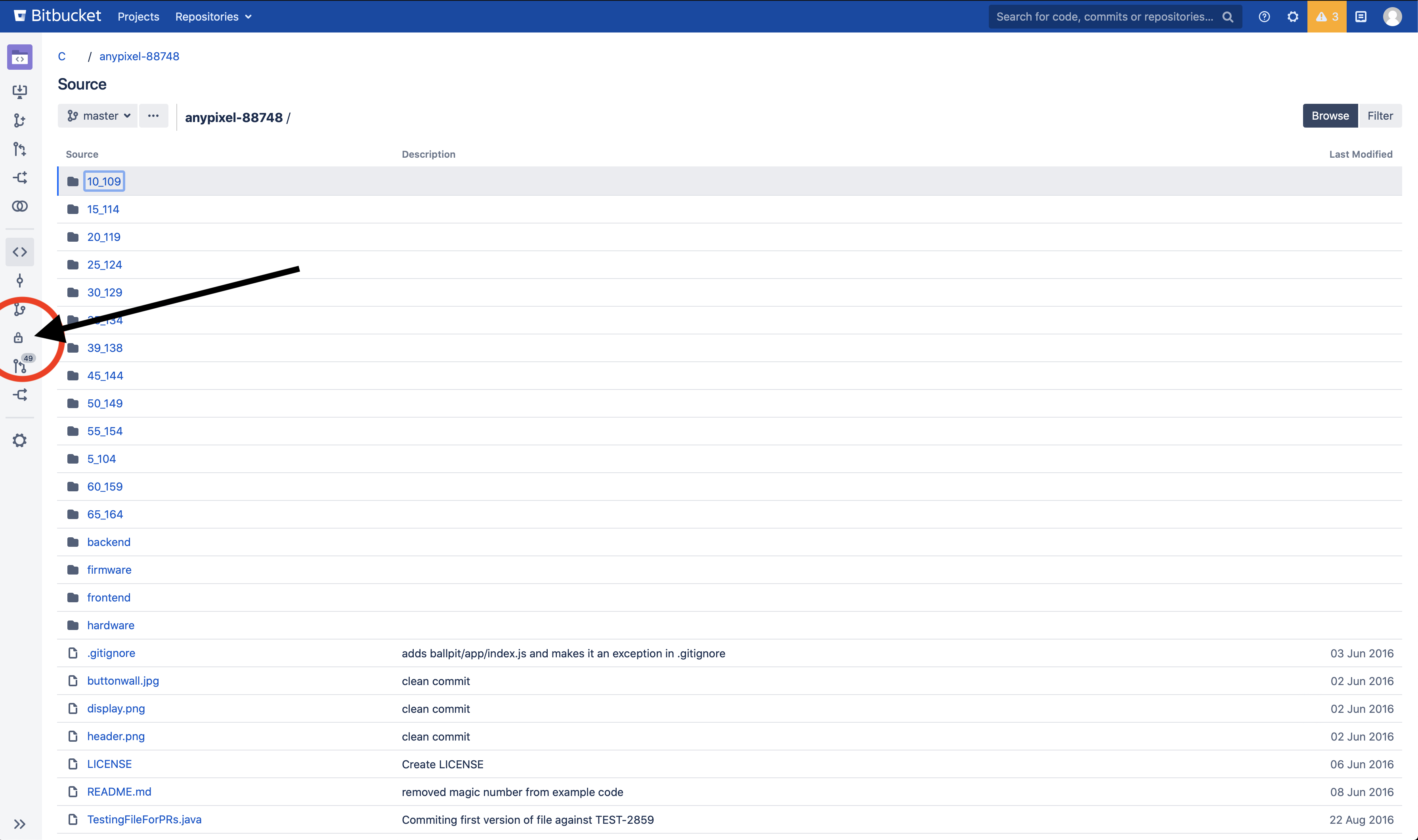
To view and trigger a repository scan, you will need Repository Administrator permissions. Navigate to your repository of choice, and then go to the new Security Tab.
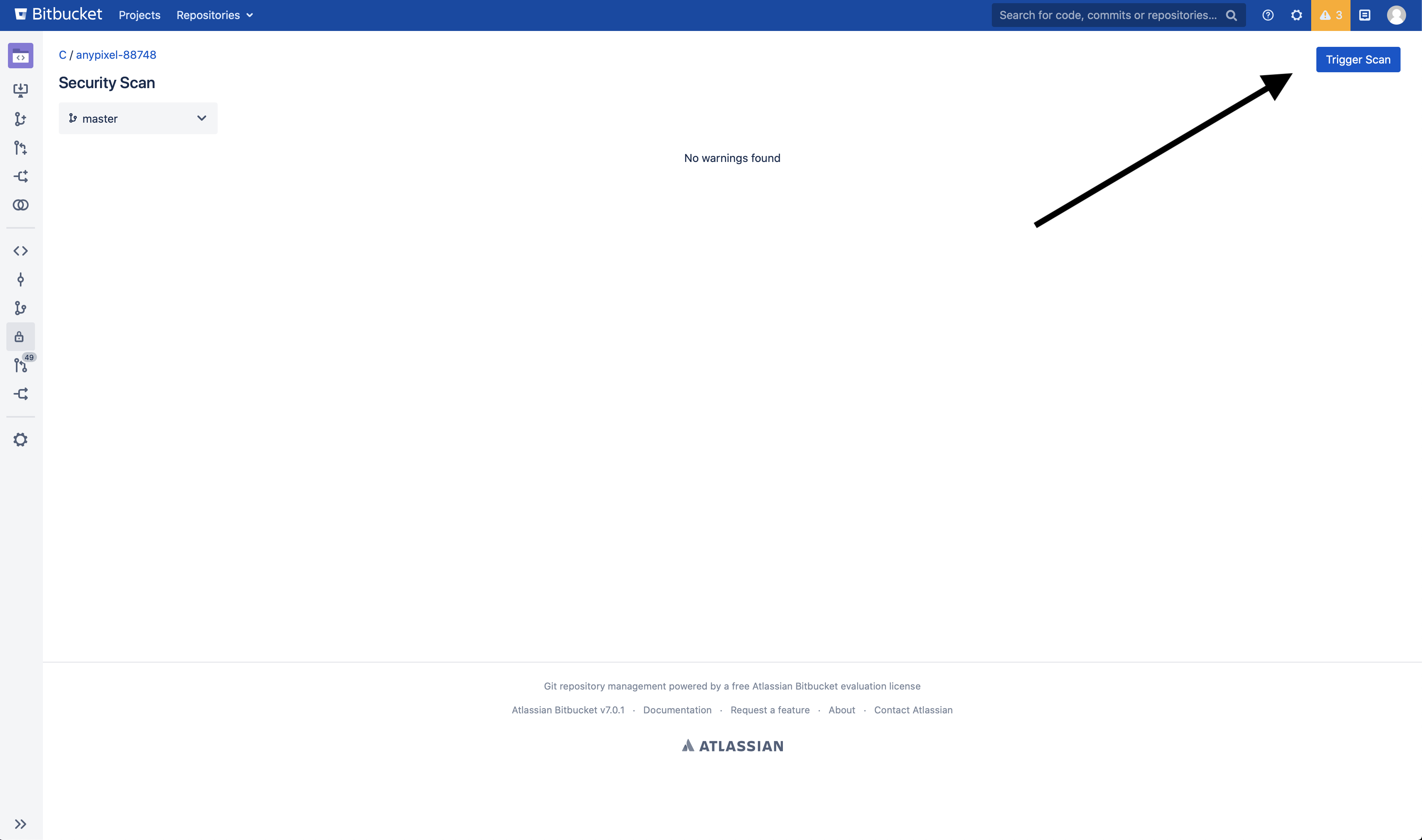
Once in the security tab click the Trigger Scan button:
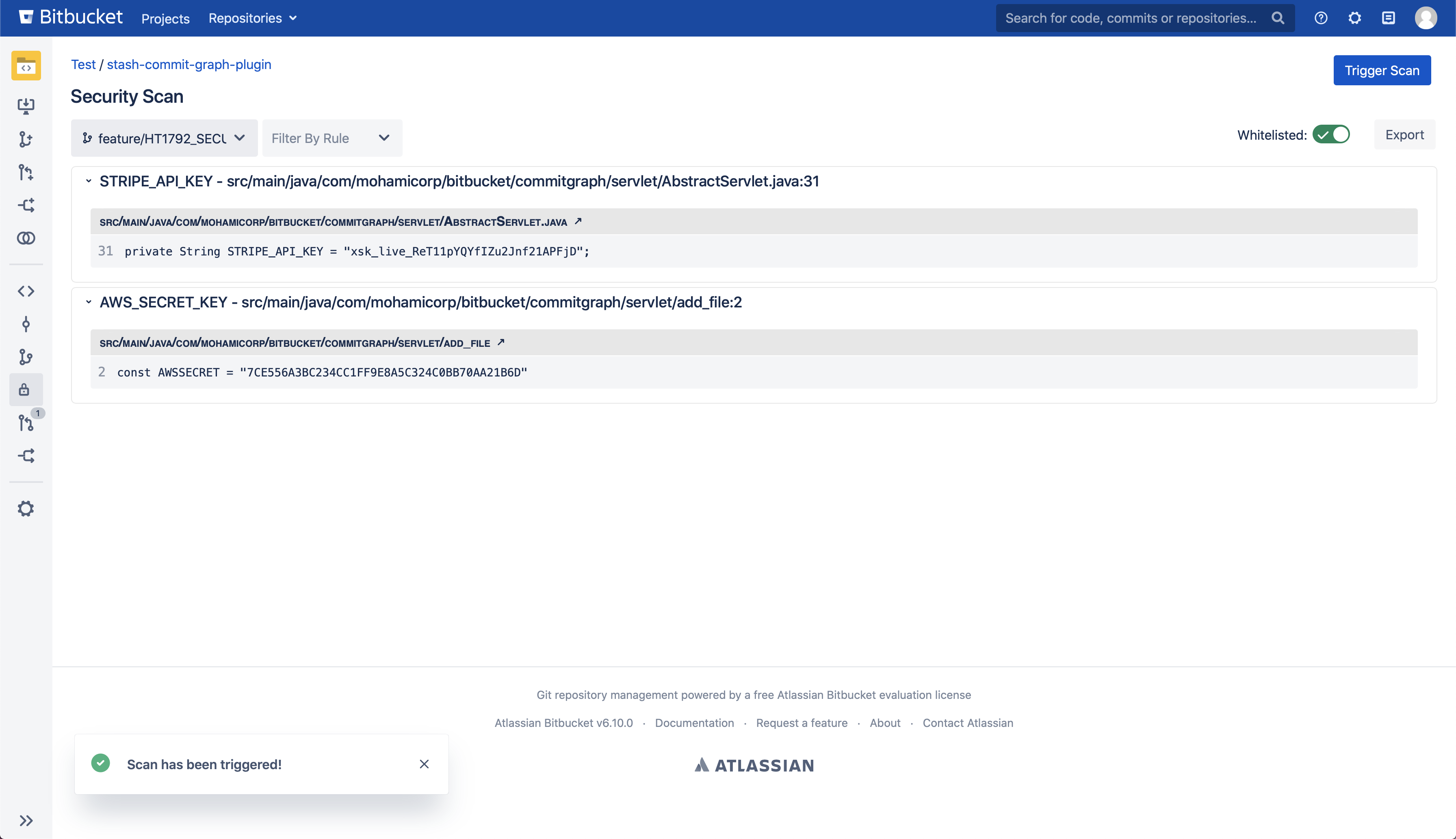
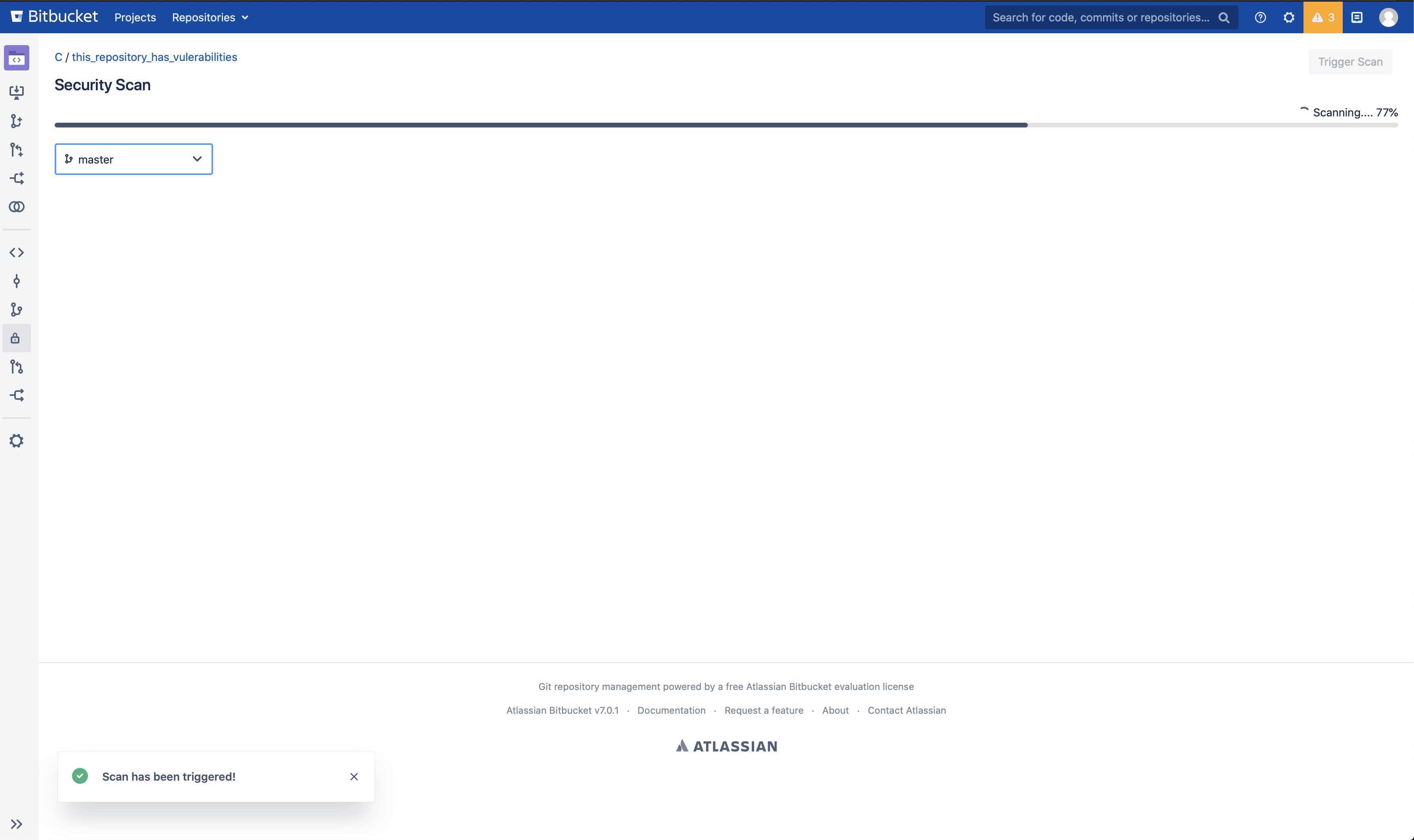
This will cause either a scan to start or be scheduled if Bitbucket already has multiple scans ongoing. Results will start to populate as the app finds vulnerabilities in files within the repository:
Results of the scan can also be filtered by vulnerability type, and you can also choose the branch you would like to perform a scan on.