

Security for Confluence allows you to create custom scanning rules using regular expressions. You can create and edit custom rules from the Settings page, under “Custom rules”:
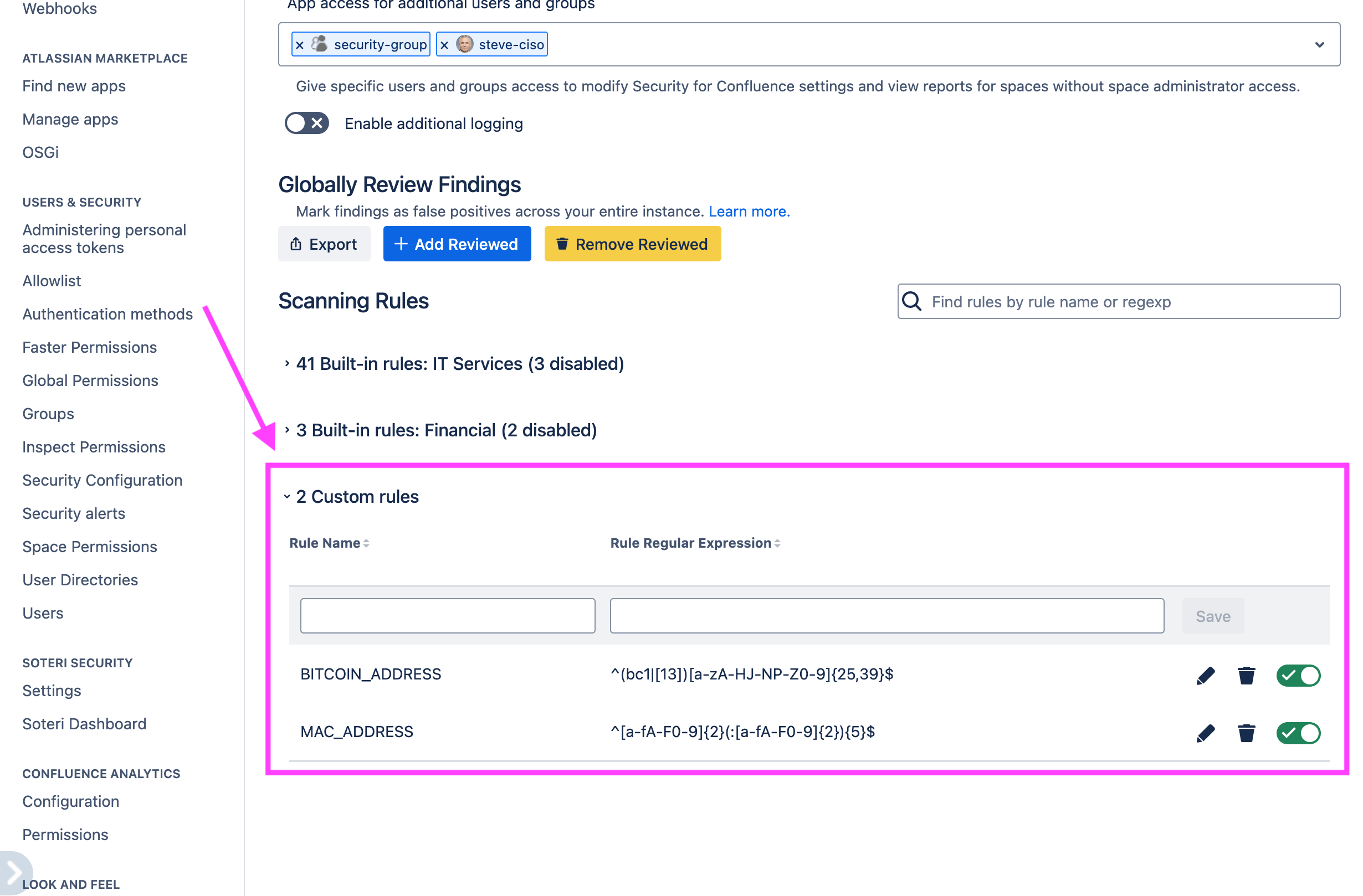
Only Confluence administrators and any user granted explicit app access can access these settings.
Security for Confluence imposes limits on how much memory a rule can use and how long a rule can take to scan a page fragment. Scanning rules which exceed these limits will be automatically disabled, and the scan will be marked as failed.
If a secret in a single page fragment matches more than one rule (built-in or custom), only the first match will be reported.
Developing custom rules
Our application uses the built-in JDK java regex library (Java 8). The supported regex constructs are documented here.
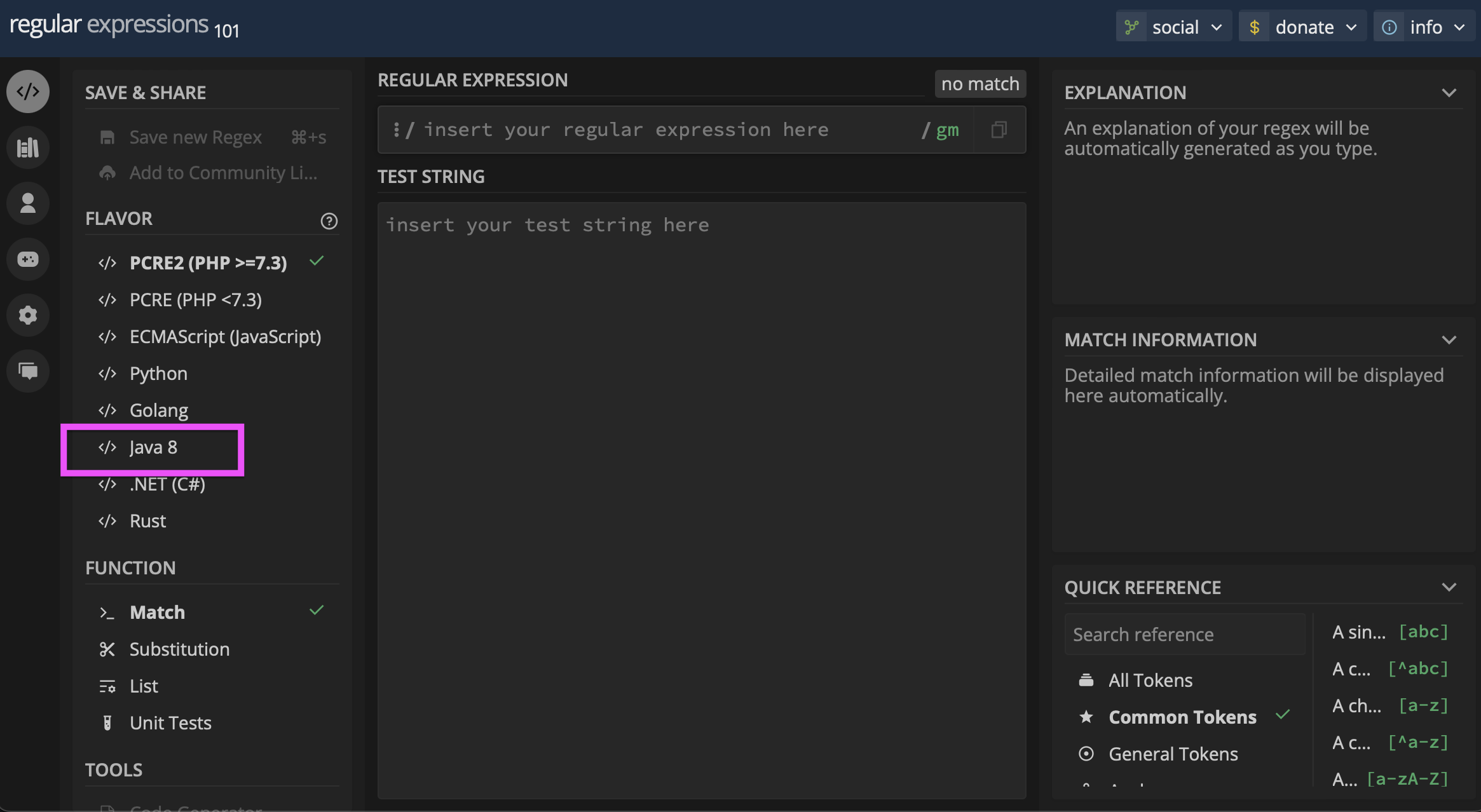
The tool we recommend for testing out new custom rules is https://regex101.com .
Make sure to select “Java 8” as the “Flavor”:
Example custom rules
Bitcoin Address
^[13][a-km-zA-HJ-NP-Z0-9]{26,33}$
Youtube Links
<a\s+(?:[^>]*)href=\"((?:https|http):\/\/\w{0,3}.youtube+\.\w{2,3}\/watch\?v=[\w-]{11})">(?:.*?)<\/a>
Auditing changes to custom rules
All custom rule creation, deletion, and updates (including enabling/disabling), are logged to the Confluence Audit log. See Viewing Audited Events for more information.