

Basic Usage
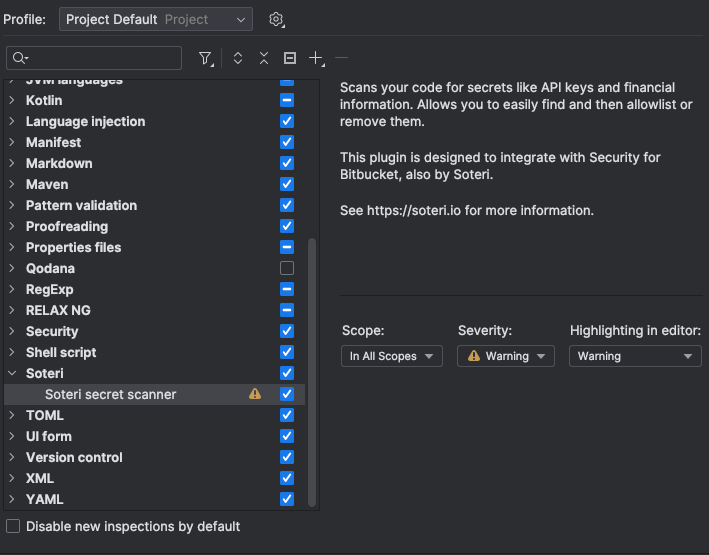
Simply by installing the plugin, secrets in code and other text files will be highlighted as a warning. You can configure the error level of the inspection in your inspection profile settings.
You will also be given the option to delete the secret in any text file that is inspected via the context popup when your caret is over the inspected secret.

In contexts detected to be code that supports the allowlist pragma, you will also be given the option to append the relevant comment to the end of the line.


Installation
Installing from the JetBrains Marketplace
Follow the instructions created by JetBrains to install a plugin from the Marketplace. “Soteri Security Scanner” is the name of the plugin to search for. You can also use this interface to pay for a license.
Installing a custom build
Follow the instructions created by JetBrains to install any custom build given to you by Soteri support. Your existing license from the marketplace should work the same.