

latest 6.2.x 6.1.x 6.0.x 5.8.x 5.7.x 5.6.x 5.5.x 5.4.x 5.3.x 5.2.x 5.1.x 5.0.x 4.18.x 4.17.0 4.16.x 4.15.x 4.14.x 4.13.0 4.11.x 4.8.0 4.7.0 4.6.0 4.5.0 4.4.0 4.2.0 4.1.0 4.0.0 3.22.0 3.21.0 3.20.0 3.19.0 3.18.0 3.17.0 3.16.0 3.15.0 3.14.0 3.13.0 3.12.0 3.11.0 3.10.0 3.9.0 3.8.0 3.7.0 3.6.0 3.5.0 3.4.0 3.3.0 3.2.0
Auto Light Dark
Auto Light Dark
latest 6.2.x 6.1.x 6.0.x 5.8.x 5.7.x 5.6.x 5.5.x 5.4.x 5.3.x 5.2.x 5.1.x 5.0.x 4.18.x 4.17.0 4.16.x 4.15.x 4.14.x 4.13.0 4.11.x 4.8.0 4.7.0 4.6.0 4.5.0 4.4.0 4.2.0 4.1.0 4.0.0 3.22.0 3.21.0 3.20.0 3.19.0 3.18.0 3.17.0 3.16.0 3.15.0 3.14.0 3.13.0 3.12.0 3.11.0 3.10.0 3.9.0 3.8.0 3.7.0 3.6.0 3.5.0 3.4.0 3.3.0 3.2.0

Enabling and Disabling Global Detection Rules

With Security for Bitbucket you can disable security rules if a certain rule doesn’t fit the needs of your organization. The rules can only be enabled and disabled by Bitbucket administrators or anyone that's been granted explicit access.

To disable a rule, go to Administration → Security for Bitbucket Server → Security Validation Rules → Custom Rules. Alternatively, you may reach the configuration by clicking the gear icon on the Security Scan Report:
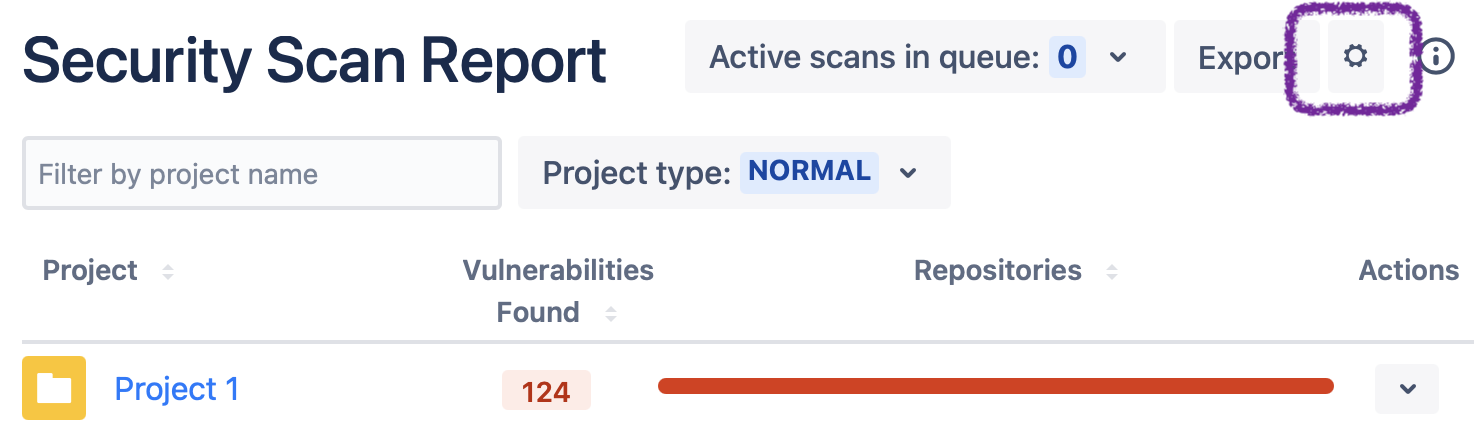
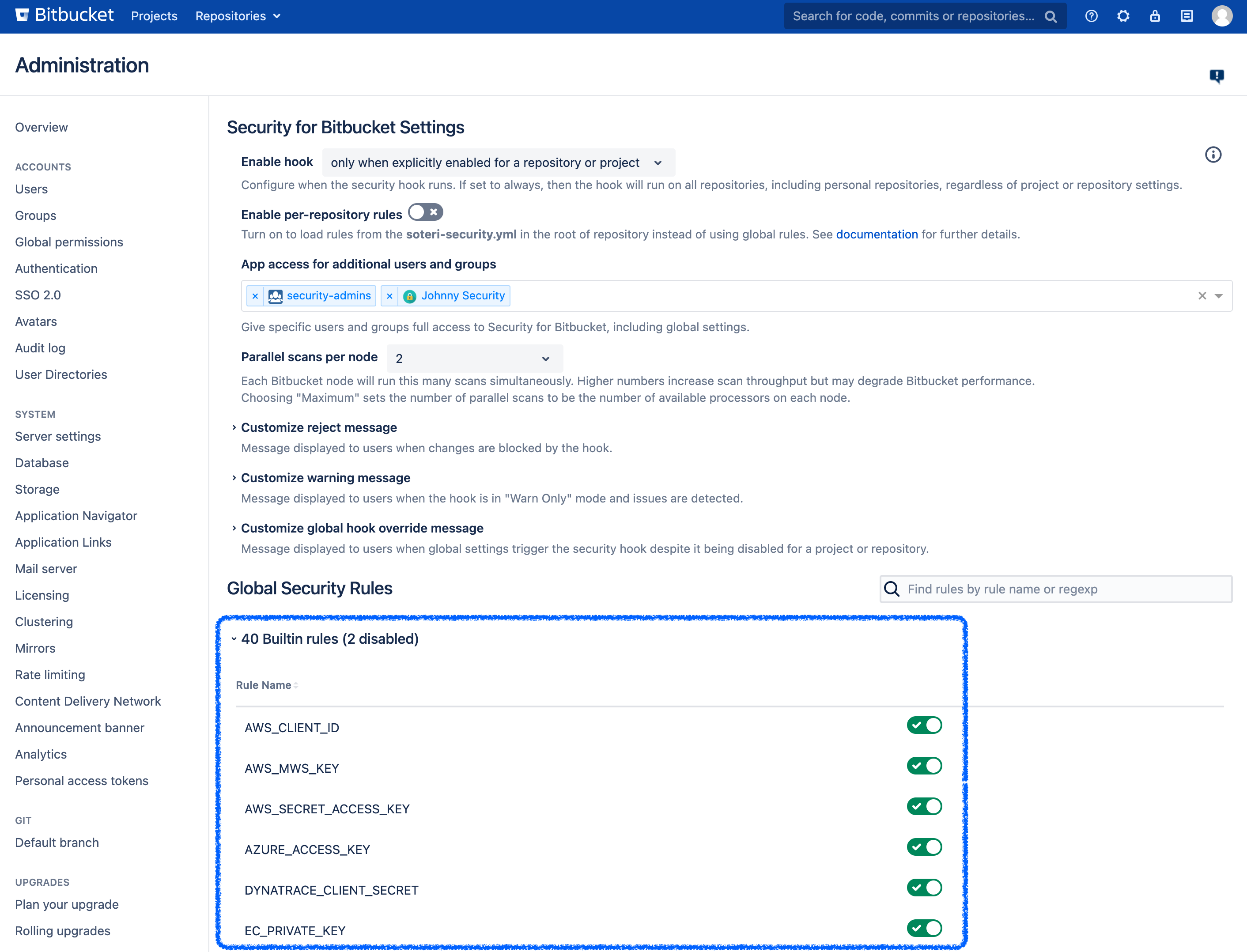
image-20210810-041751.png


Global rule configuration in the Security for Bitbucket settings.