
The Security for Confluence Settings page allows you to adjust a variety of important administration settings.
Only Confluence Administrators can access these settings.
The easiest way to access the Settings page is directly from a scan report, by clicking the gear icon:
.png?cb=f8612c334532a58f1301e307d3b936aa)
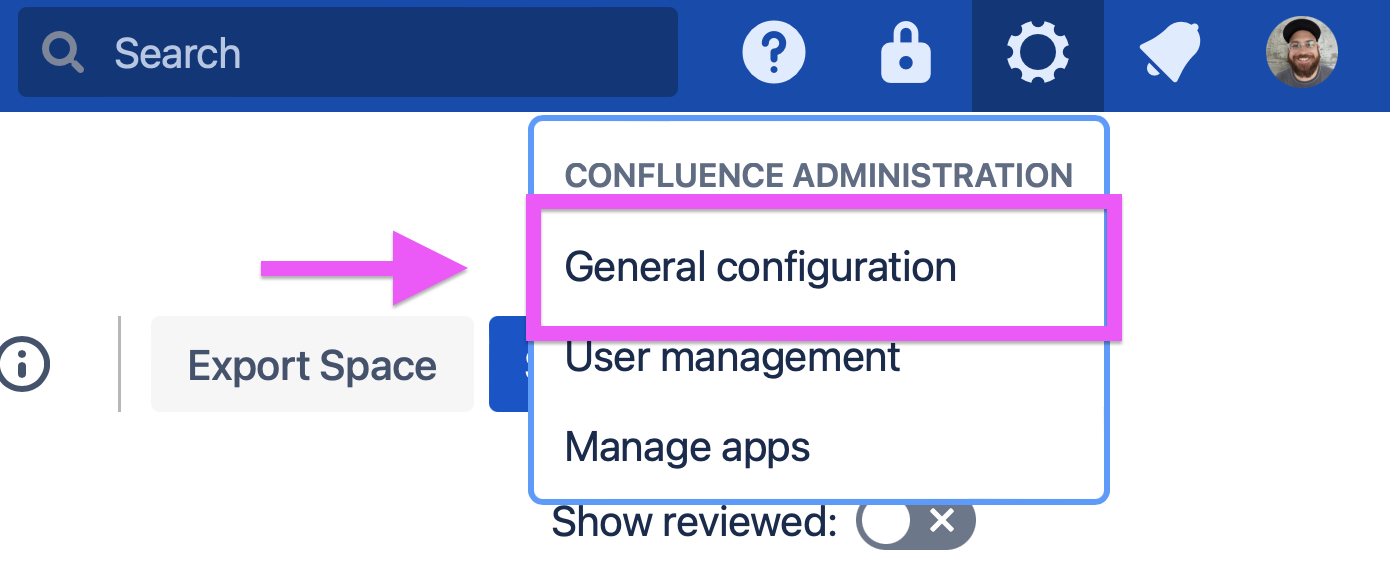
Administrators may also access the Security for Confluence settings by first going to the Confluence General configuration settings:
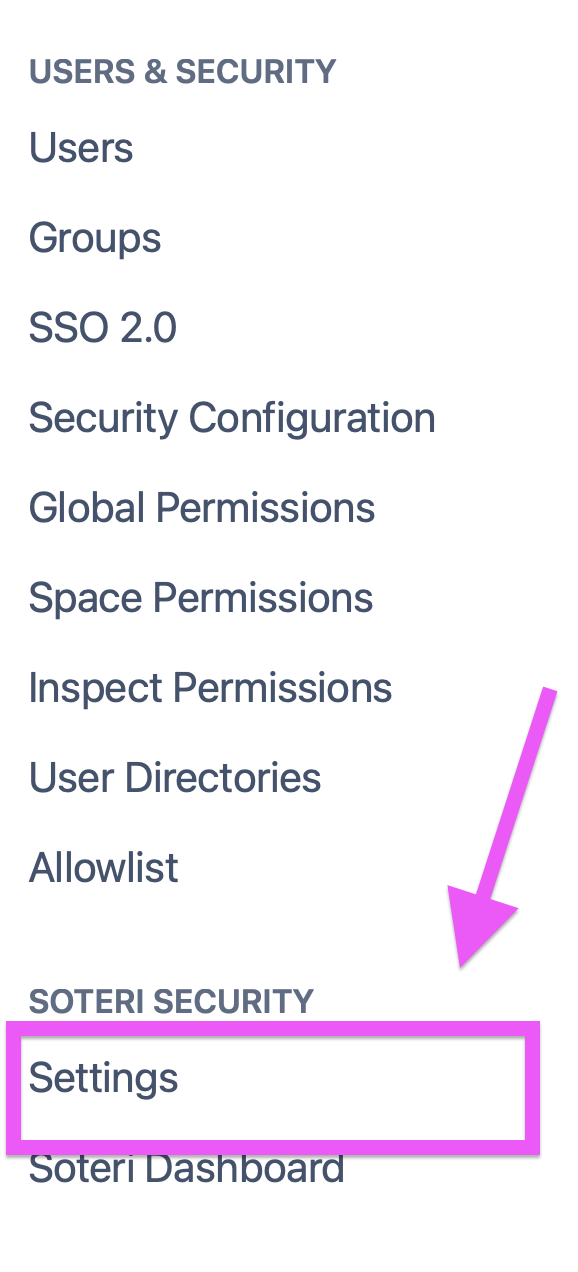
and then selecting “Settings” under “Soteri Security” in the left side of the window: