

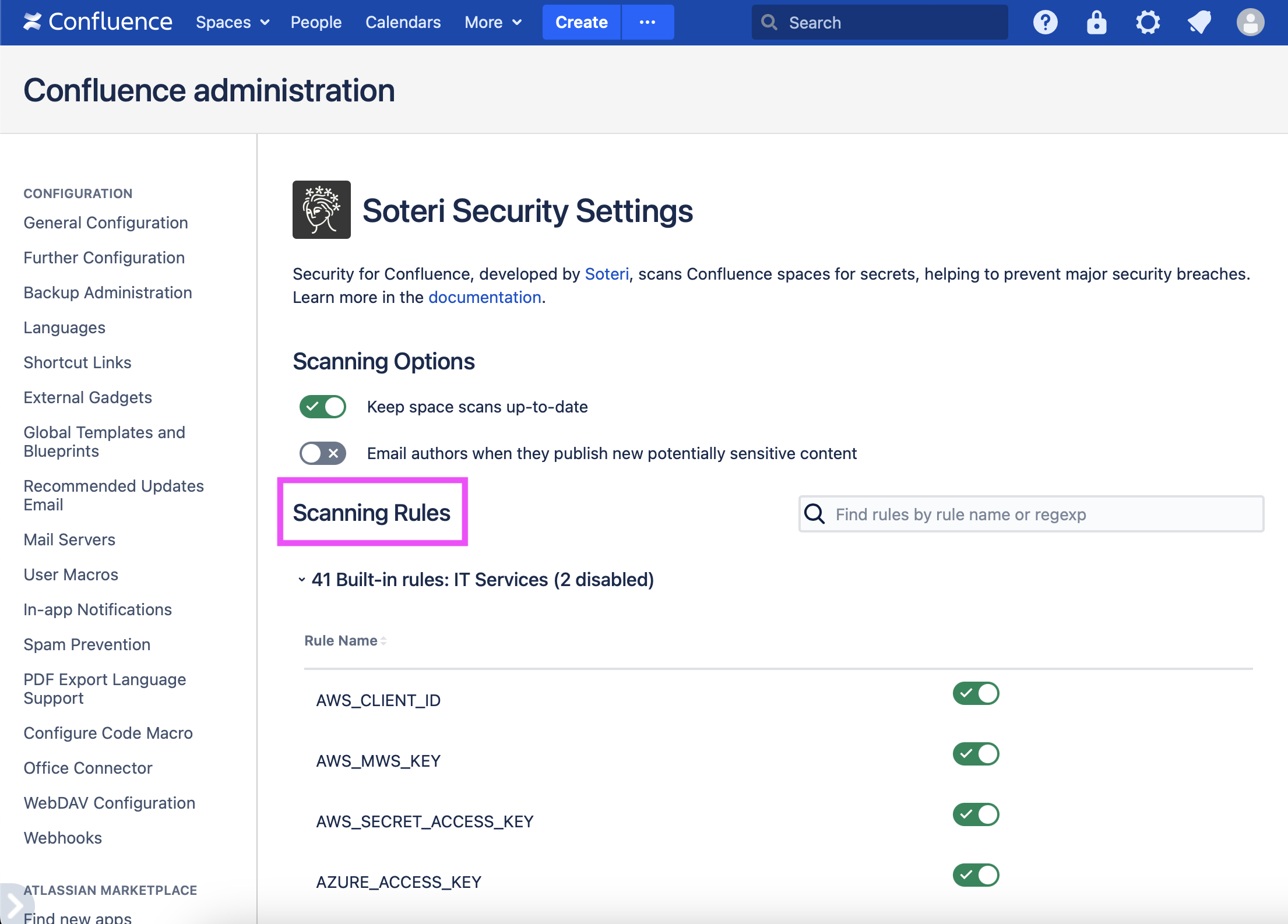
Security for Confluence allows you to disable scanning rules that don’t fit the needs of your organization.
To enable or disable rules, visit the Settings page, expand the relevant section under “Scanning Rules”, and use the toggle switches as needed.
Only Confluence administrators can access these settings.
Who changed rules and when can be audited using the Audit Log. More information can be found in Viewing Audited Events.